64 in-depth guides on generating, editing, upscaling and printing with AI — built around real tests, measured results and the limits nobody else prints.
Three guides that cover the ground everything else builds on.
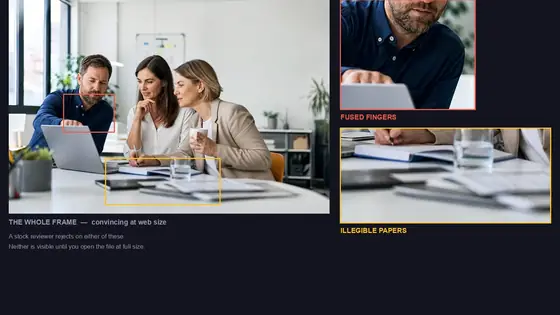
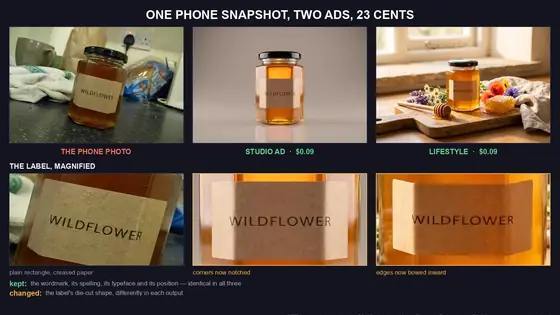
One bad kitchen snapshot, two finished ads, 23 cents — and what quietly changed on the label.
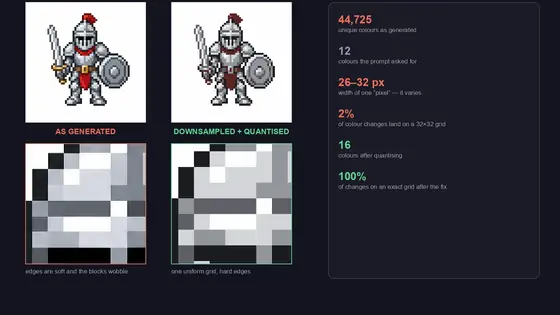
A sprite asked for twelve colours and returned 44,725. The measurements, and the two steps that fix it.
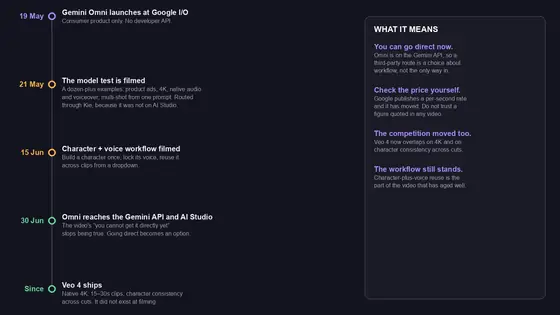
4K with generated voiceover and a character that keeps its face and voice — plus the conclusion that has expired.
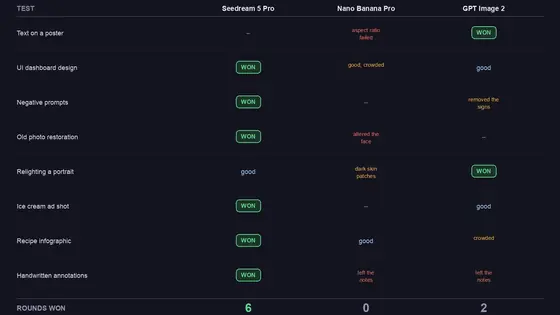
Eight tests, three models. Seedream 5 Pro won six rounds, GPT Image 2 won two, Nano Banana Pro won none.
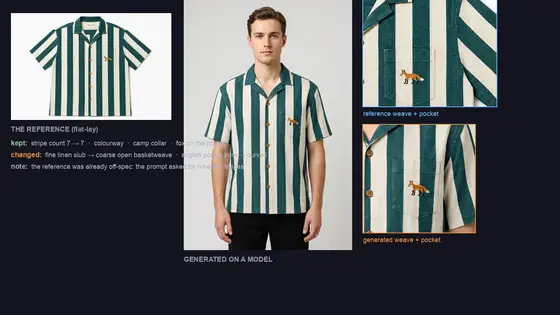
The stripes transferred exactly, the fabric became a different cloth, and one shot put a chest pocket on the back.
Two of the three biggest agencies will not take AI submissions, and the one that does needs a release nobody can sign.
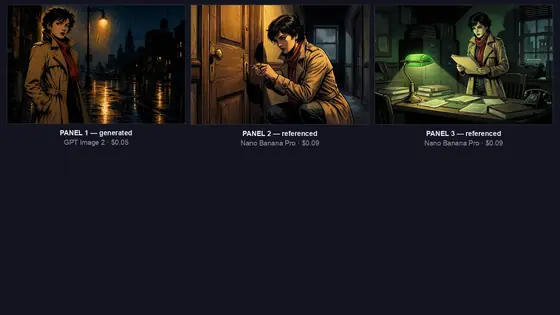
Whole pages, speech bubbles and exact scripts all work now. Three real tests, and what is actually left to solve.
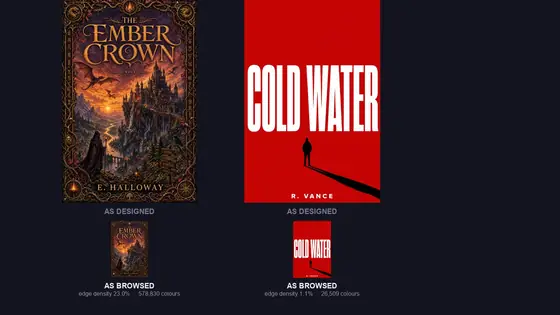
Two covers, same model, same price — only one survives being shrunk to browsing size. The measured difference.
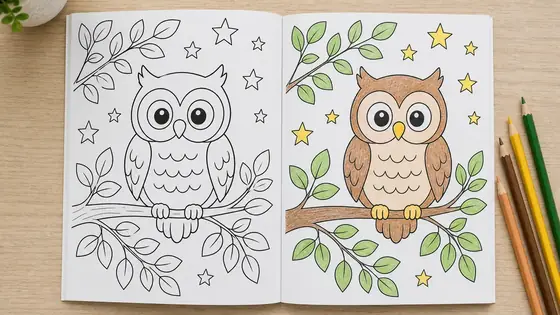
A real page, measured pixel by pixel: only 13.5% was white. The one-step fix, and the KDP page-count trap.
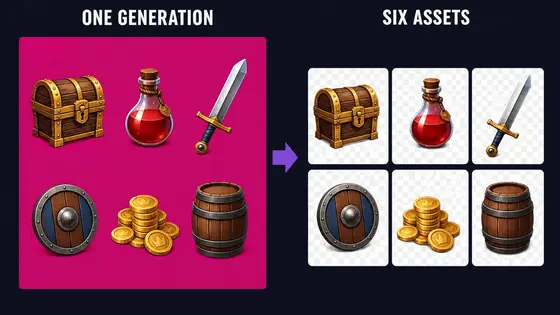
Six props on one sheet for the price of one image, the edge problem nobody measures, and what AI still cannot make.
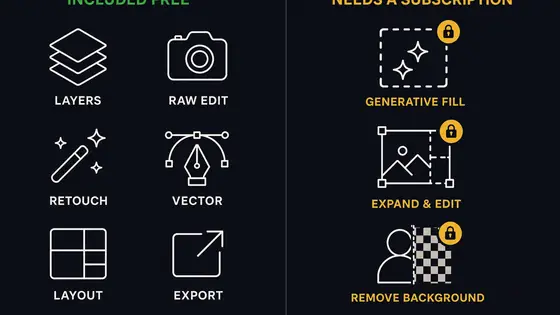
What Canva AI Studio includes, what plugins can and cannot add, and the per-image route that skips the subscription.
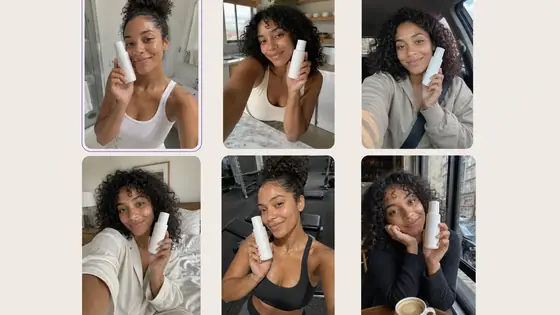
The four tells, the reference-image workflow that keeps your real product in frame, and the FTC line most guides skip.
What services charge, what the same forty images cost yourself, and what happens to the photos you upload.
The resolution gate most guides skip, plus transparency, batch costs and the commercial-use rules.
Removing, replacing and generating without a background are three different jobs. Which method wins for each.
It now runs Nano Banana and FLUX inside Photoshop. What that fixed, and the four jobs it still cannot handle.
Run the same models on your own API key — no subscription for the generation itself.
Midjourney bills GPU time, not images. The real per-image maths at every volume, and when to keep your plan.
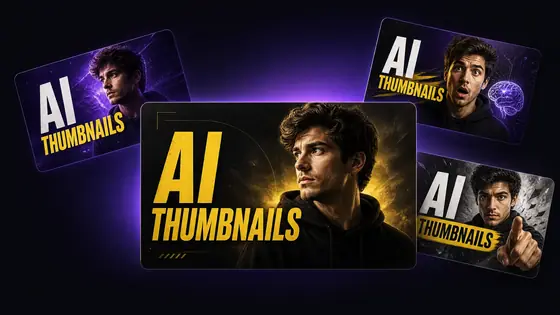
The anatomy of a high-CTR thumbnail, a copy-paste prompt template, and what each workflow costs per image.
Claude Code cannot draw — until you give it a tool that can. Two-minute MCP setup and real per-image costs.
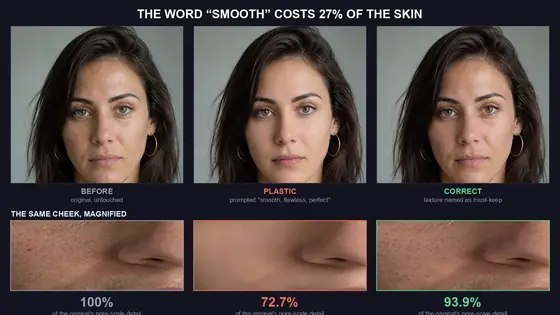
Measured: the word “smooth” costs 27% of the skin. Three real generations, and the prompt that keeps texture.
Where each model wins on editing accuracy, multi-subject scenes and text, plus the one question that decides it.
Why free AI video tools watermark your clips, the route that does not, and real per-clip costs across ten models.
Nano Banana Pro, Midjourney v7, GPT Image 2, Flux 2, Ideogram, Recraft, Firefly — the honest breakdown of which to pick by job.
Native audio, vertical 9:16, clip length, lip sync, pricing. Plus the Sora migration story.
The ROI-focused AI stack for working photographers — retouching, restoration, product, and brand-color control.
9:16 native, 60-second clips, native audio, viral effects. Which tool wins for short-form.
Topaz, Remini, MyHeritage, Magnific, Nano Banana Pro — faithful vs creative restoration explained.
200MP outputs, faithful vs creative, cost per image, free options. Which to use for what.
Wordmark vs pictorial vs vector. Why only Recraft outputs editable SVG. Trademark vs copyright explained.
Replace a $500 studio shoot with $15 in AI. Variants, lifestyle scenes, brand-color consistency.
Ideogram free, Copilot, Leonardo, Krea. Which ones permit commercial use. When to graduate to paid.
10 same-prompt comparisons. Benchmarks, text rendering, character consistency, pricing.
Pricing transparency, native audio, lip sync, clip length, watermarks. The honest split.
Faithful school vs creative school. Cost-per-image. Max output sizes. The verdict.
Text accuracy vs vector output. Why the pro workflow uses both. Pricing breakdown.
Hex-accurate color, 10-image reference, open weights. Where each wins.
Conversational refinement vs aesthetic ceiling. Pricing and workflow comparison for pro use.
The full 5-step workflow for grandparent and heirloom photos. Cost ~$1 per restored photo.
First-frame and last-frame anchoring. Motion control. Common mistakes. Cost per clip.
The seed → reference → LoRA hierarchy. Multi-reference systems in Nano Banana Pro and Flux 2.
Why AI gets text wrong. The quote-the-text trick. Typography category vs name. Composite fallback.
DPI math, print size reference table, sRGB to CMYK, TIFF vs JPEG. The 4-step print prep workflow.
The bring-your-own-API-key model. $150/mo subscription stack vs $17/mo API equivalent worked example.
Web/app shuts April 26, 2026. API ends September 24, 2026. Best alternatives and migration playbook.
9.50/10 on independent benchmarks. 2.5M LMArena votes. 4K native. Honest weaknesses too.
The only model with formal IP indemnification. When that's worth $19.99/mo and when it isn't.
Per-second math for Veo, Kling, Runway, Luma, Pika. The break-even point for subscriptions.
Cut 5-10 hours per gallery. Restoration as an album upsell. ROI per wedding worked example.
Variant generation, lifestyle scenes, marketplace policy compliance. $500 shoot replaced with $15 in AI.
Stage a listing for $15. Sky replacement, twilight conversion, decluttering. MLS disclosure rules.
The chat-to-content workflow. Thumbnails, cover art, video clips. One image, six platforms.
Three tiers: minimum, pro, luxury. ROI per tool. Subscriptions vs pay-per-use math.
A free copy-paste system prompt that turns any LLM into a GPT Image 2 specialist. Stop fighting the model.
A proven 5-step workflow using Nano Banana Pro to turn empty rooms into beautifully furnished spaces.
Step-by-step guide to creating AI videos from text prompts using Kling 3, Seedance 2, Grok Imagine, and WAN 2.7.
Kling 3, Seedance 2, Grok Imagine, and WAN 2.7 compared side by side. Features, pricing, and which model wins what.
Animate still images with AI. Use first frame, last frame, reference images, and motion control to bring photos to life.
A complete guide to prompt engineering for AI images. Structure, examples, and how AI Prompt Studio can help.
Pay only for what you use. How Rangy's pay-per-use model compares to Midjourney and DALL-E subscriptions.
Learn how to repair scratches, remove damage, and bring faded family photos back to life using AI restoration tools.
Increase image resolution up to 10x with AI upscaling. Keep sharp details while enlarging photos for print or web.
Use AI to analyze any image and get a reusable text prompt. Perfect for reproducing styles, architecture, or portraits.
Comparing desktop AI image generators: features, models, pricing, and who each app is best for.
Turn black and white photos into full color images using AI. A step-by-step guide to automatic photo colorization.
No guides match that search.
Rangy runs GPT Image 2, Nano Banana Pro, Seedream and the video models on your own API key — every file saved to your own disk.
Mac & Windows · Free plan, no credit card · 5 generations a day